Private Beta

One product photo. Every asset you need.

Upload a single product photo and create professional studio imagery, marketplace-ready exports and branded commerce assets in minutes.

No card required · Commercial-use assets · Secure private uploads
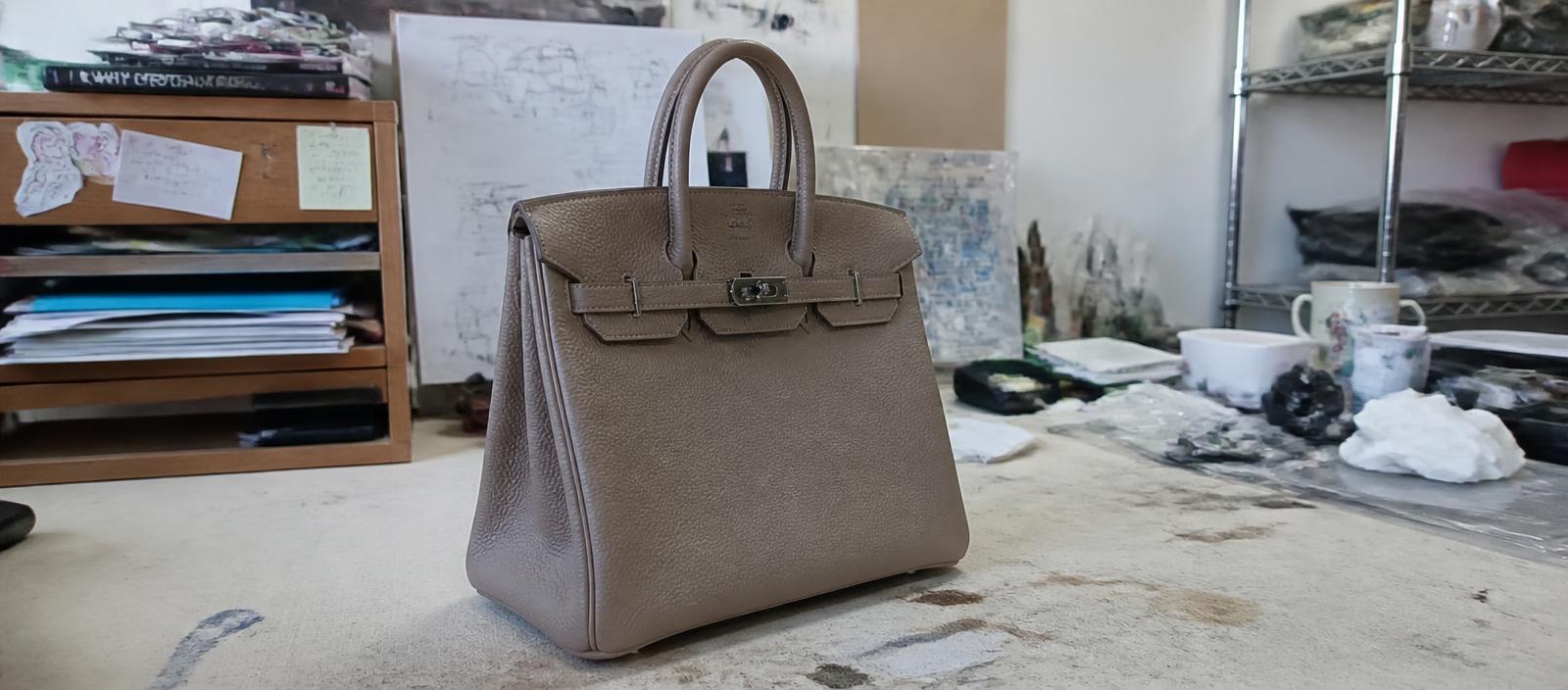
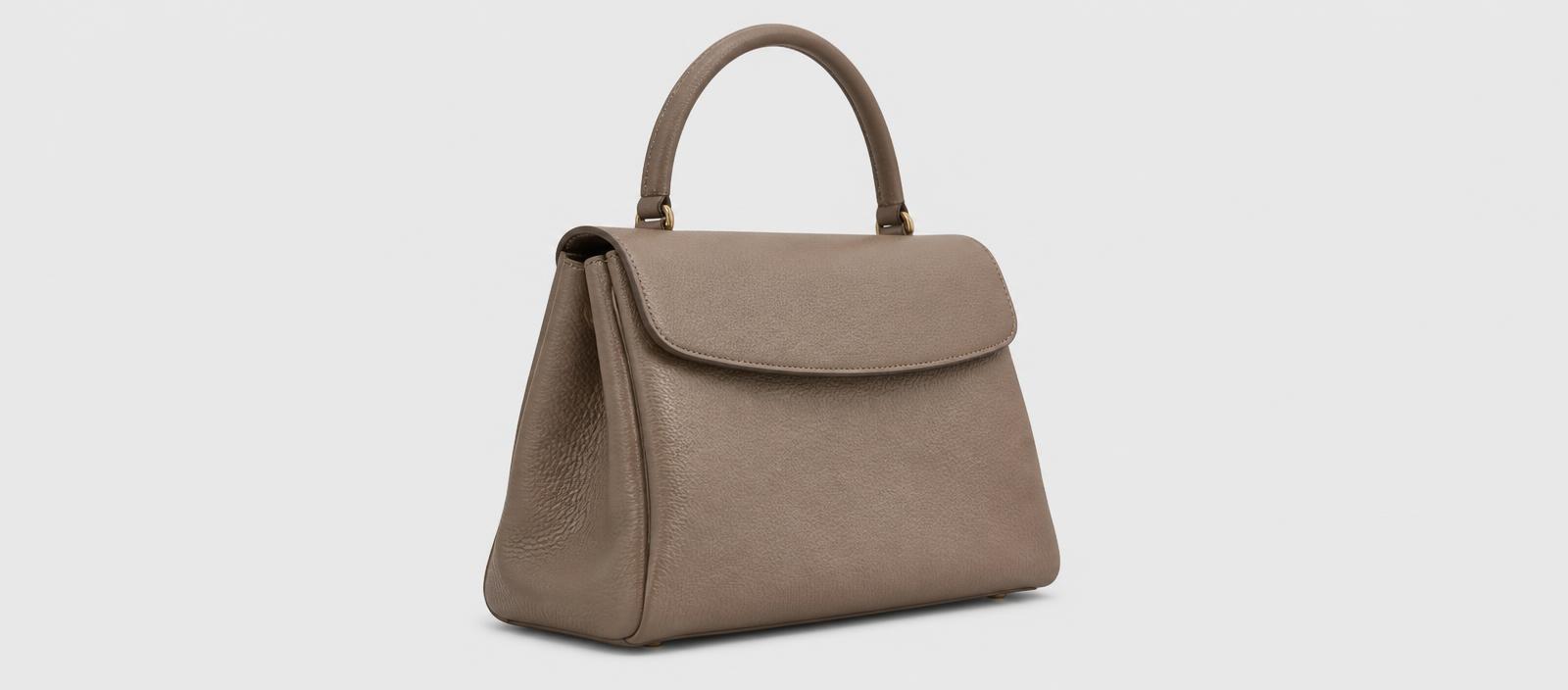
Raw supplier photo of a leather handbag under harsh mixed lighting
The same handbag rendered as a clean white-background product image
BeforeAfter
SOURCE — product photoWhite background · generated
Real output examples

Ordinary photos in. Catalog assets out.

Drag or tap the handle to compare. Every pair was generated by the same pipeline your workspace uses.

All examples
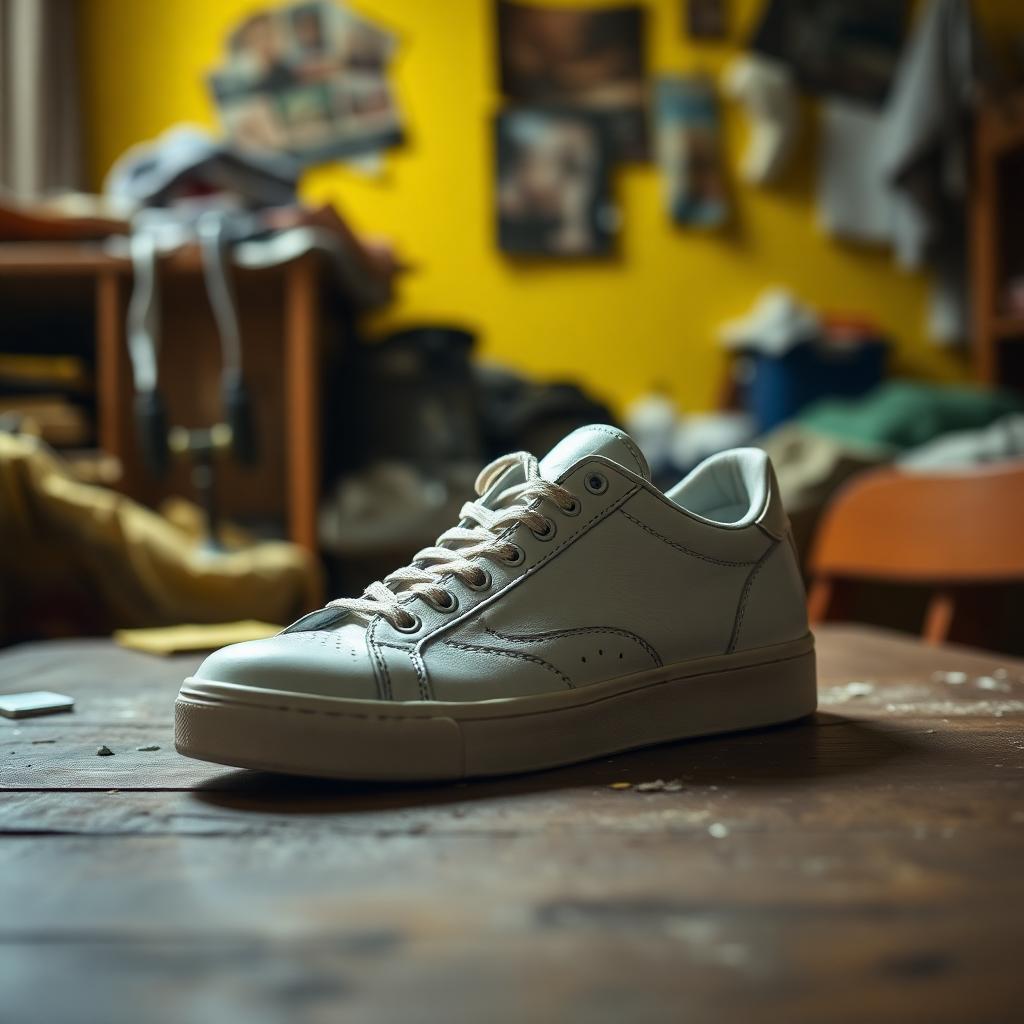
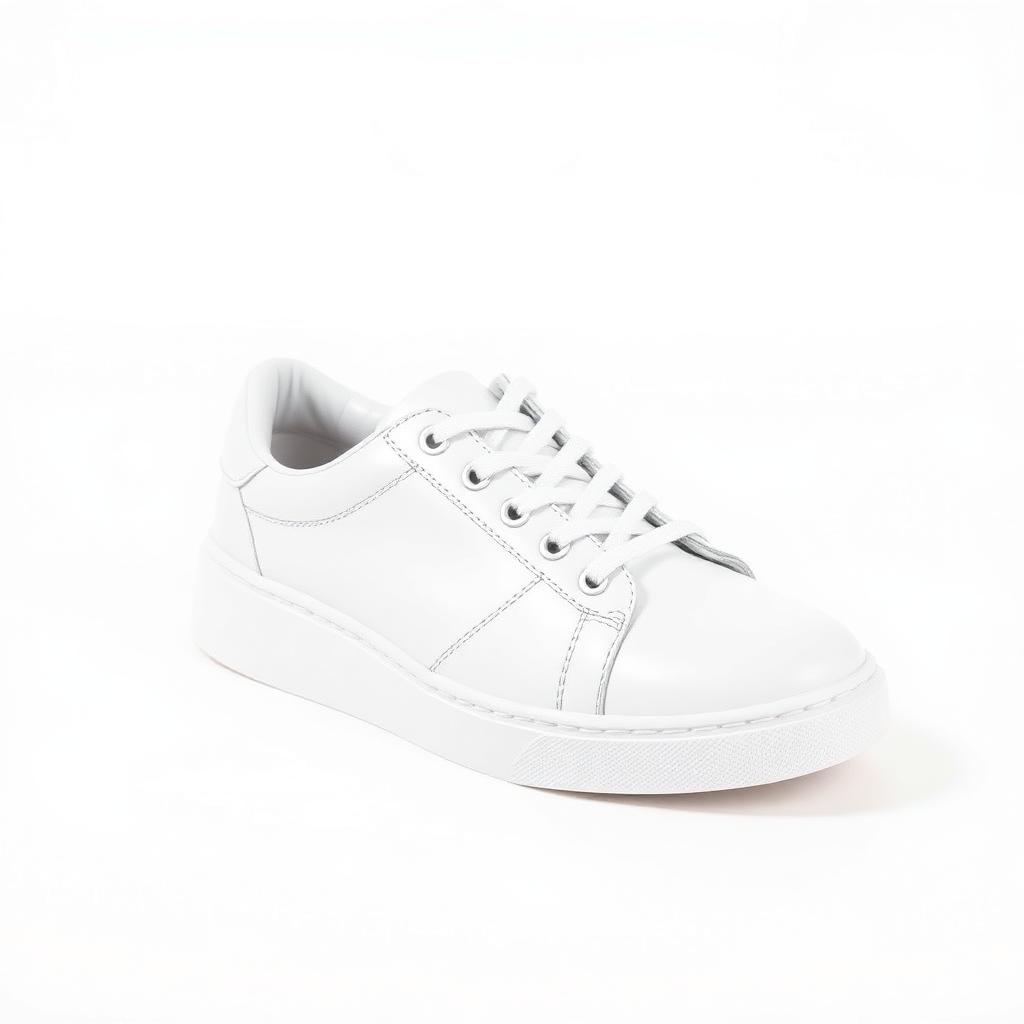
Original photo of a leather sneaker before processing
Leather sneaker after White Background
BeforeAfter

White Background

Leather sneaker

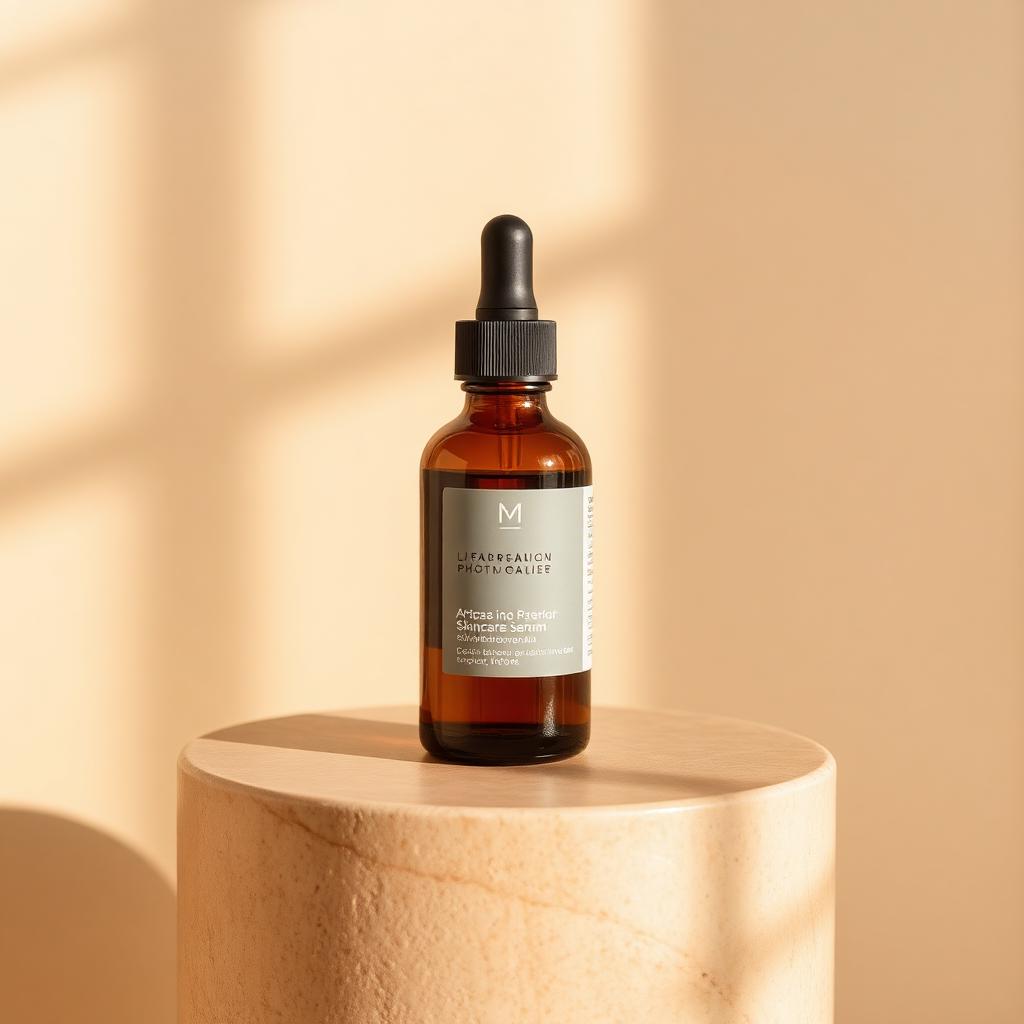
Original photo of a skincare serum before processing
Skincare serum after Product Staging
BeforeAfter

Product Staging

Skincare serum

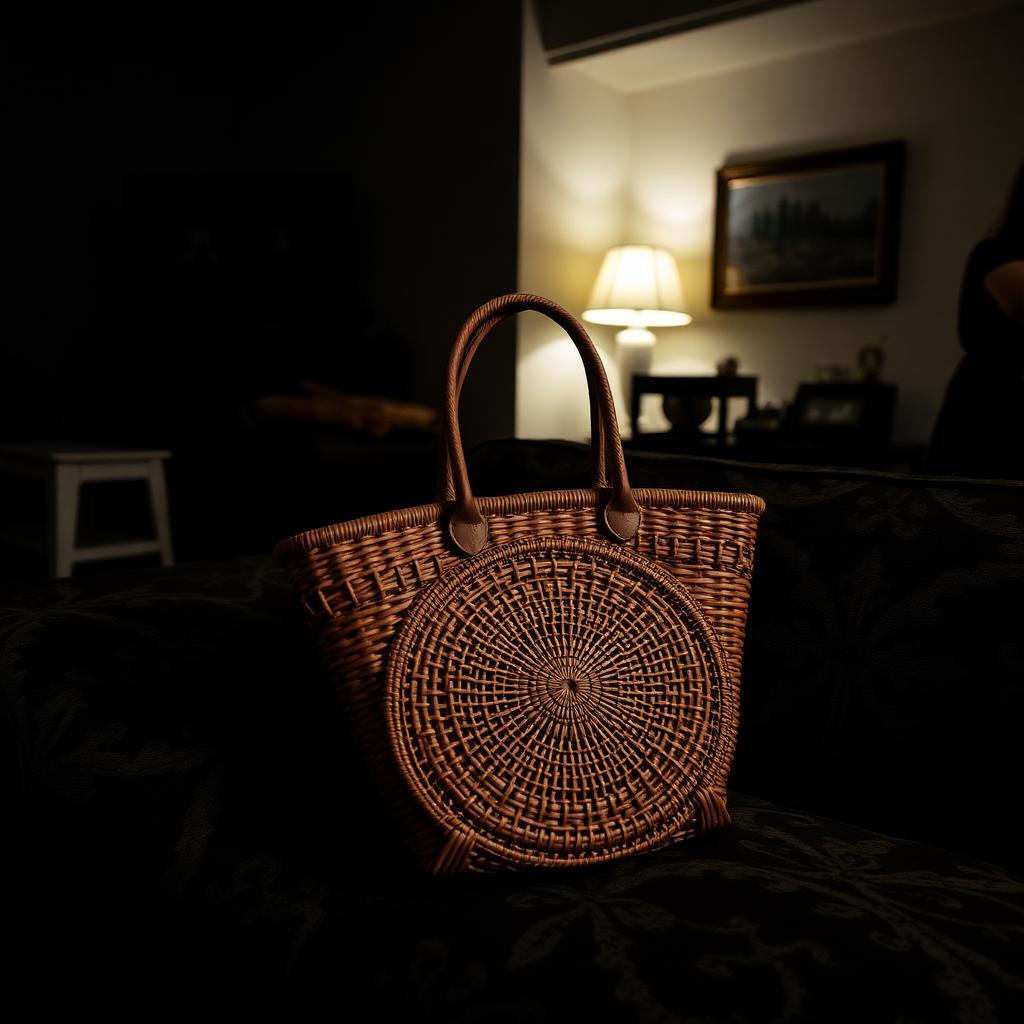
Original photo of a rattan handbag before processing
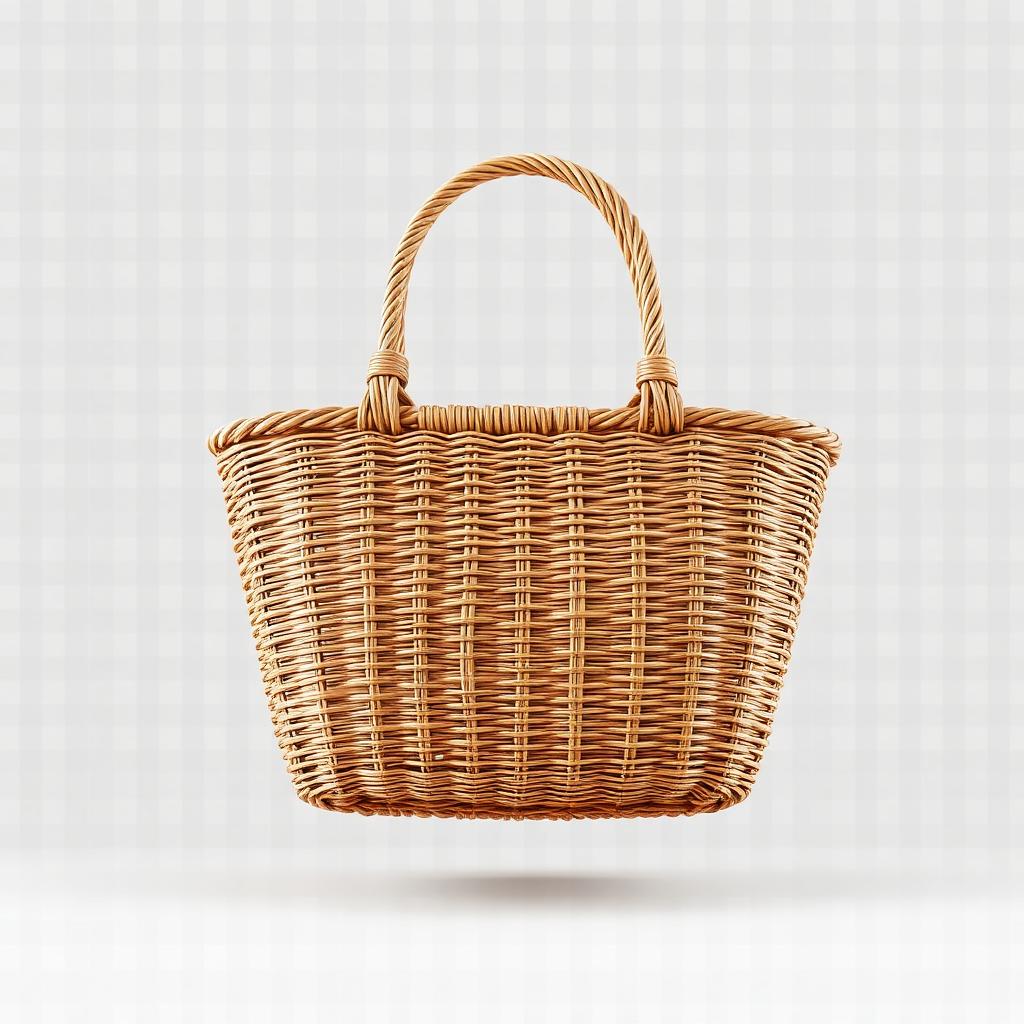
Rattan handbag after Background Removal
BeforeAfter

Background Removal

Rattan handbag

Available now

The image workflows that are live today.

We only list a tool here once it runs end to end in the product. Everything still in development is named separately below.

Available

Background Removal

Edge-accurate cutout on any product photo, ready to drop onto any backdrop.

Available

Transparent PNG

A reusable master cutout you can place into banners, decks and storefronts.

Available

White Background

Pure-white main images shaped for marketplace catalog requirements.

Available

Product Staging

Place the product into a generated scene for lifestyle and ad creative.

Coming soon

In development and not yet available to beta workspaces.

  • Ghost Mannequin
  • Professional Shadows
  • Product Beautifier
  • Studio Backgrounds
  • Marketplace Resizing
  • AI Fashion Models
  • Flat Lay
  • Object Cleanup
  • Image Enhancement
  • AI Writer
  • Marketplace Listings
  • Video Tools
  • Batch Processing
How it works

Four steps from a phone photo to a listable asset.

  1. STEP 01

    Upload one product photo

    A phone shot or a supplier image is enough. PNG, JPG or WebP, up to 20 MB.

  2. STEP 02

    Choose the output

    Cutout, transparent PNG, white background or a staged scene.

  3. STEP 03

    Generate

    Processing runs on our servers. A credit is only spent when the job succeeds.

  4. STEP 04

    Download and list

    Export the asset from your private workspace and upload it to your store.

Marketplace-ready exports

Exports shaped for where the product gets listed.

Pure white catalog mains

Most marketplaces require a clean white background with the product centred. The white-background output is built for that requirement so you aren't cropping and re-exporting by hand.

Transparent masters you reuse

One transparent PNG per SKU becomes the source for every other placement — banners, ad creative, storefront tiles — without going back to the original photo.

Staged shots for the second slot

Listings convert better when the gallery has more than one flat image. Product staging gives you a lifestyle frame from the same source photo.

Trust and data handling

What happens to the photos you upload.

Your uploads are private

Uploads and generated assets are stored per workspace and are not publicly browsable. Downloads are served through signed, expiring links rather than public URLs.

You own your generated assets

Assets generated from your uploads belong to you, subject to the Terms of Service.

You must have rights to what you upload

You need to own the product images you upload, or have permission to use them. The Acceptable Use Policy sets out what may not be processed.

Third-party processing providers

Image processing is performed by third-party providers on our behalf. How your data is handled, and how to request deletion, is set out in the Privacy Policy.

Private beta access

Pay per asset. No seats, no contracts.

Public checkout is not open yet. These are the planned rates — during the private beta, request access and we set your workspace up directly.

Full pricing

Common questions

Full FAQ
What image formats are supported?
PNG, JPG/JPEG and WebP. The file type is verified from the file's own bytes on our servers, not from its extension, so a renamed file is rejected rather than processed.
What is the maximum upload size?
20 MB per image. Larger files are rejected before any credit is spent — resize or re-export the photo and upload it again.
What does one credit buy?
One credit covers one generated asset — for example one background removal, one white-background render or one staged image. Credits are only deducted after a job succeeds; if a job fails, the credit is refunded to your ledger automatically.
What happens if processing fails?
The credit is written back to your ledger automatically. Credits are deducted on success, and every movement — spend, refund, purchase — is recorded in an append-only history you can inspect in Billing.
Can I download an image again later?
Yes. Generated assets stay in your workspace with their project and version history, and you can re-download them at any time. Download links are signed and expire, so a new link is generated each time you download.
Who owns the generated image?
Assets generated from images you upload belong to you, subject to the Terms of Service. You must own the images you upload or have permission to use them.
Are my uploads private?
Uploads and generated assets are stored per workspace and are not publicly browsable; downloads are served through signed, expiring links rather than public URLs. Image processing is performed by third-party providers on our behalf, and how your data is handled — including how to request deletion — is set out in the Privacy Policy.
Which product categories are supported?
The image workflows are category-agnostic and work on most physical products photographed against a distinguishable background — fashion, footwear, accessories, beauty, electronics, homeware and packaged goods are the categories we have tested most. Apparel shot flat or on a hanger works with background removal today; hollow-body apparel via Ghost Mannequin is still in development.
Are payments currently enabled?
Not on the public site. MegaBridge Marketplace Studio is in private beta, so there is no public checkout and no card is taken here. Pricing shown on the site is the planned public rate; beta workspaces are set up with our team directly.
How do I request beta access?
Use the contact page or email support@megabridgedigital.com with your store or marketplace, roughly how many SKUs you list per month, and the product categories you sell. We reply with next steps.

Start with one product photo.

Create a workspace and generate your first product image free. No card required.

Generate your first image — free